It is 9 AM on a Monday. Your team has 2,000 leads to contact before Friday. Two agents are calling sick. Your manager is already on your back about conversion numbers. And somewhere in a spreadsheet, 2,000 names are just staring back at you, waiting.
If you have ever run a call centre, managed an outreach campaign, or tried to scale any kind of phone-based sales operation, you already know exactly how that feels — that sinking realisation that there are not enough hours in the day, not enough hands on deck, and definitely not enough patience left in the room.
The old way of doing things — manually dialling contact after contact, leaving the same voicemail for the 47th time, marking spreadsheets by hand — is not just slow. It is expensive, demoralising, and increasingly impossible to justify when your competitors are already running hundreds of calls simultaneously with a fraction of the staff.
This is where bulk voice call software changes the game entirely. And specifically, this is where a smart Voice Blaster does not just help — it becomes your most important team member.
What Exactly Is a Voice Blaster?
The term gets thrown around a lot, so let us be clear about what it actually means.
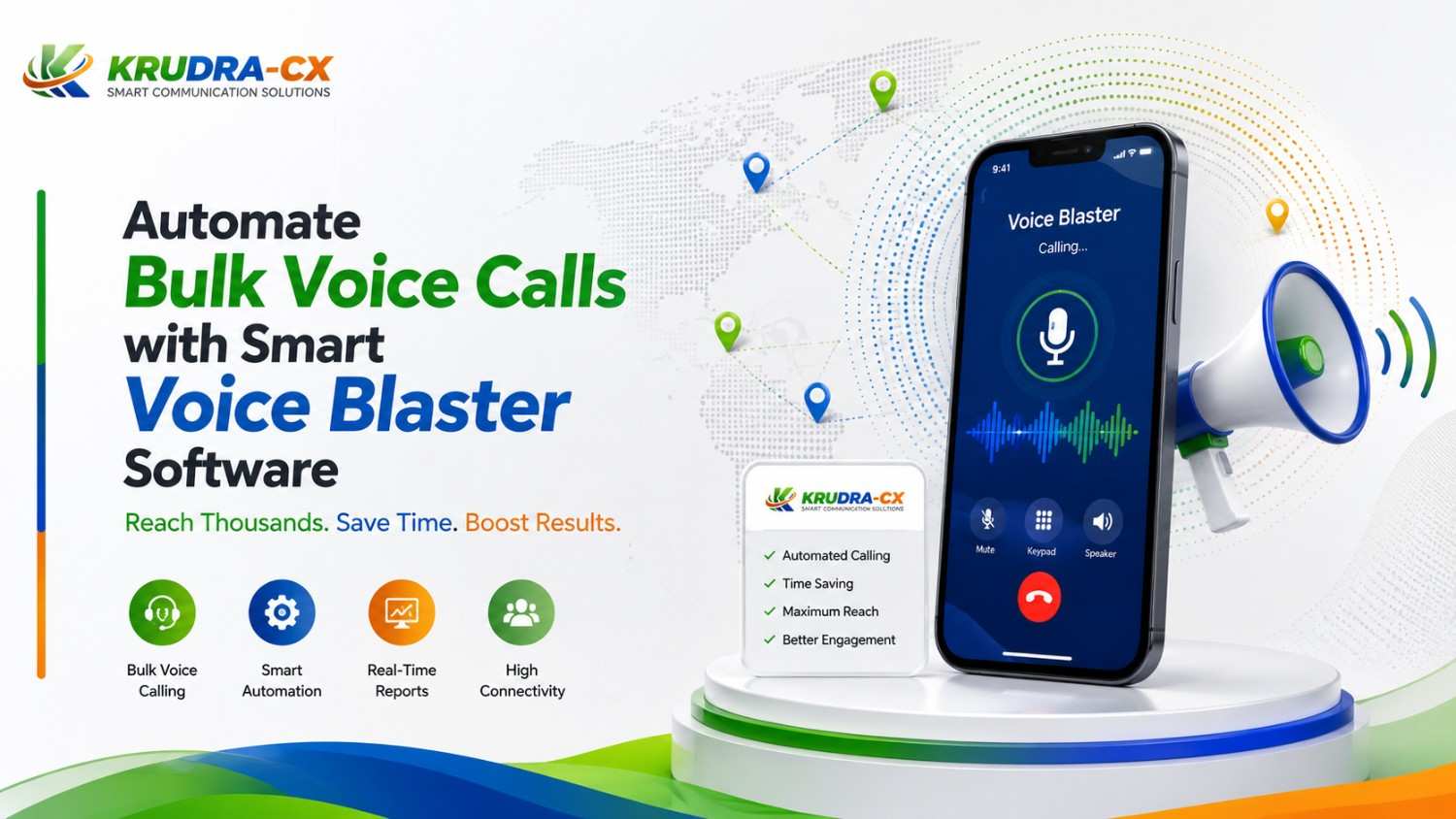
A Voice Blaster — also called an automated voice broadcasting system or bulk voice call software — is a platform that allows you to dial thousands of phone numbers simultaneously, deliver a pre-recorded or dynamically personalised message, and track every single response in real time.
Think of it like email marketing, but for phone calls. You build your contact list, record your message (or have it generated via text-to-speech), set your schedule, and the system handles the rest. No agents sitting idle. No repetitive dialling. No wasted minutes listening to a dial tone.
The smart part is what separates a modern Voice Blaster from the old robocalling systems people used to associate with spam. Today's platforms are intelligent — they detect answering machines vs live pickups, adapt delivery timing based on engagement patterns, integrate with your CRM, allow recipients to press a key to connect with a live agent instantly, and give you granular analytics on every campaign.
Why Manual Dialling Is Silently Killing Your Productivity
Before we get into what Voice Blaster software can do, let us talk honestly about what it replaces — because understanding the problem makes the solution feel less like a luxury and more like a necessity.
The numbers are brutal
On average, a manual agent makes between 40 and 60 outbound calls per day. Factor in dial time, ringing, voicemails, hold music, and the mental energy required to stay sharp after 30 back-to-back rejections, and you are looking at roughly 15 to 25 minutes of actual talk time per hour.
With automated voice call software, a single campaign can connect with 10,000 contacts in the time it would take your best agent to get through 60 manually.
That is not a minor improvement. That is a complete rethinking of scale.
The hidden cost nobody talks about
Every minute an agent spends dialling a disconnected number, leaving a voicemail nobody will ever listen to, or sitting through hold music — that is not just lost time. That is salary cost, infrastructure cost, morale cost, and opportunity cost all compounding together.
Studies suggest that in a typical manual outbound calling operation, less than 30% of an agent's shift involves actual live conversations. The rest is friction. Automated bulk voice call software eliminates most of that friction entirely.
How Smart Voice Blaster Software Actually Works
Here is the under-the-hood view — simplified, but accurate.
1. Upload your contact list
You start by importing your database — whether that is a CSV file, a CRM export, or a live API sync. Good platforms will let you segment your list based on geography, lead status, time zone, or any custom field you have in your system.
2. Create your voice message
You either record a professional audio file or use the platform's built-in text-to-speech engine. Advanced systems let you personalise messages dynamically — so a contact named Rahul in Mumbai might hear "Hi Rahul, calling from X about your recent enquiry in Mumbai" rather than a generic broadcast.
3. Set your campaign parameters
You define your calling schedule (respecting time zone rules), your retry logic for unanswered calls, the maximum concurrent call threads, and what happens when someone presses a specific key — for example, pressing 1 to speak to an agent, pressing 2 to opt out, or pressing 3 to hear more information.
4. Launch and monitor in real time
Once live, you watch your dashboard update in real time. You see which numbers connected, which ones went to voicemail, which contacts pressed 1 and are now queued for a live transfer, and what your overall answer rate is tracking at. Campaigns that would have taken weeks now complete in hours.
5. Analyse and optimise
After the campaign, you pull reports. Which time slots had the highest answer rates? Which message variant drove more key-press responses? Which segments converted? This data is not just useful — it is the foundation for making your next campaign smarter than the last one.
Who Actually Needs Bulk Voice Call Software?
Short answer: more industries than you think. Here is where Voice Blasters are being used right now, effectively:
- Collection agencies and NBFCs — payment reminders at scale, escalating communication sequences, promise-to-pay confirmations
- Healthcare providers — appointment reminders, prescription alerts, health camp notifications, vaccination drives
- EdTech companies — class reminders, exam notifications, fee due alerts, parent engagement calls
- Political campaigns and NGOs — voter outreach, survey collection, awareness campaigns
- E-commerce and logistics — delivery updates, feedback requests, re-engagement campaigns for dormant customers
- Real estate — property listing announcements, site visit reminders, follow-up sequences for hot leads
- Banking and insurance — policy renewal reminders, EMI alerts, cross-sell offers to existing customers
- Government departments — citizen communication, welfare scheme announcements, emergency alerts
The common thread is simple: any organisation that needs to communicate with a large number of people via phone, consistently and at low cost, has a use case for voice blaster software.
The Features That Separate Good Platforms from Great Ones
Not all bulk voice call software is created equal. If you are evaluating platforms, here are the features that actually matter — and what to watch out for.
Real-time analytics dashboard
You should be able to see, at a glance, how your campaign is performing while it is still running. Call attempt count, live answer rate, key-press response distribution, agent transfer queue — all of it live. If a platform only gives you reports after the fact, that is a red flag.
AMD — Answering Machine Detection
This is a make-or-break feature. Intelligent AMD means the system can detect whether a live human picked up or whether the call went to voicemail, and respond differently in each case. For live answers, the message plays immediately. For voicemails, the system either leaves a tailored message or marks the contact for a callback attempt. Without this, you are paying for calls that go to voicemail and delivering a confusing experience.
DTMF key-press IVR integration
The ability for recipients to press a key in response to your message is what transforms a voice blast from a one-way broadcast into an interactive conversation starter. Press 1 for more info. Press 2 to speak to an agent. Press 3 to call back later. This dramatically increases the quality of leads coming through.
Dynamic personalisation
Merging contact-specific variables (name, city, product, amount due) into the voice message is no longer a premium feature — it is table stakes. Recipients who hear their own name are significantly more likely to stay on the call than those who hear a clearly generic broadcast.
DNC compliance and opt-out management
Any serious platform must have built-in Do Not Call registry management, automatic opt-out processing, and audit trails for compliance purposes. This is not optional — it is the difference between running a clean operation and facing regulatory action.
CRM and API integrations
Your voice campaign data should flow back into your CRM automatically. Call outcome, answer status, key-press response, agent transfer outcome — all of it should sync without anyone manually updating a spreadsheet. Look for native integrations with Salesforce, HubSpot, Zoho, Leadsquared, or open API access to build your own connections.
Scalability without call quality degradation
A platform that handles 500 calls fine but starts dropping quality at 5,000 simultaneous connections is not enterprise-grade. Test at volume. The infrastructure behind the dialler matters as much as the UI on top of it.
Common Concerns — And Honest Answers
"Is automated calling legal?"
In India, bulk voice calls are permissible for transactional and service-based communication when proper DND scrubbing and opt-out protocols are followed. For promotional calls, TRAI guidelines apply. A good platform will help you stay compliant, not work around regulations. Always ensure your use case aligns with current telecom authority guidelines in your jurisdiction.
"Will people just hang up?"
Some will. That is true for any form of outreach, including email and SMS. The metrics that matter are answer rate, listen-through rate, and key-press response rate — not just call volume. A well-segmented list with a relevant, personalised message will consistently outperform a spray-and-pray campaign using generic scripts.
"What about call quality?"
This depends entirely on your platform provider's infrastructure. Tier-1 telephony carriers, proper SIP trunk provisioning, and robust failover architecture make the difference between crystal-clear voice delivery and choppy, unreliable calls. Ask your provider about their carrier partnerships before signing up.
"Can we integrate this with our existing system?"
If the platform has a well-documented REST API and standard webhook support, yes. Most enterprise call centres already have CRM and helpdesk tools in place — the right Voice Blaster should plug into that ecosystem, not require you to rip and replace it.
Making the Business Case: ROI of Voice Blaster Software
Numbers speak louder than enthusiasm, so here is a simple way to think about the return on investment.
Suppose you currently have a team of 10 agents each making 50 manual calls per day. That is 500 calls per day, or roughly 10,000 calls per month assuming 20 working days.
With a Voice Blaster running conservative estimates — say 5,000 simultaneous calls — you can complete those 10,000 connections in a matter of hours, not a month. Agent cost is redirected only to warm leads who pressed a key to speak to someone.
Even if your answer rate is 30% and only 10% of those answer contacts press 1 to connect, you are generating 300 warm, self-qualified inbound conversations per campaign run. Compare that to the same 300 conversations taking the better part of a week via manual dialling, and the case builds itself.
Beyond speed, consider the data quality improvement. Every campaign generates structured call analytics that help you continuously refine your list quality, message effectiveness, and optimal calling windows. That compounding improvement is invisible in a manual operation.
How to Set Up Your First Voice Blast Campaign (Step by Step)
- Define your goal clearly — is this a payment reminder, lead re-engagement, appointment confirmation, or product announcement? The goal determines your message length, tone, and key-press options.
- Segment your list — do not blast your entire database. Break it by geography, product interest, last interaction date, or lifecycle stage. Relevance always beats volume.
- Write and record your script — keep it under 30 seconds for the core message. Lead with value or urgency, personalise where possible, and end with a clear action (press 1 to...).
- Configure your IVR tree — what happens when someone presses 1? Do they get transferred to a live agent, added to a callback queue, or directed to an SMS follow-up? Plan the full flow.
- Set your schedule — when is your audience most likely to answer? For B2C, late morning and early evening typically outperform mid-afternoon. For B2B, mid-morning on Tuesdays and Thursdays is a common sweet spot.
- Run a small test first — before blasting 10,000 contacts, test on 200. Check audio quality, AMD accuracy, IVR flow, and CRM sync. Fix issues at small scale.
- Launch, monitor, and optimise — watch the live dashboard, be ready to pause if something looks off, and pull your post-campaign report within 24 hours while the data is fresh.
The businesses winning at scale today are not the ones with the most staff — they are the ones with the smartest systems. Automated voice calling is not about replacing human connection. It is about ensuring that when a human conversation happens, it is because it should — because the contact is warm, interested, and ready to engage.
A smart Voice Blaster does the heavy, repetitive, expensive work of reaching the masses. Your agents do what humans actually do best: listen, empathise, and close.
If you are still dialling manually in 2025, the question is not whether you should switch. The question is how much longer you can afford not to.
🚀 READY TO SCALE YOUR OUTREACH?
Stop wasting hours on manual dialing. Let Krudracx Voice Blaster do the heavy lifting — reach thousands of leads in minutes, not days.
✅ Auto-dial thousands of contacts simultaneously ✅ Personalised pre-recorded messages at scale ✅ Real-time analytics & live dashboards ✅ CRM integrations in one click
👉 Book a FREE Demo Today → www.krudracx.com
No credit card required. Setup in under 10 minutes.