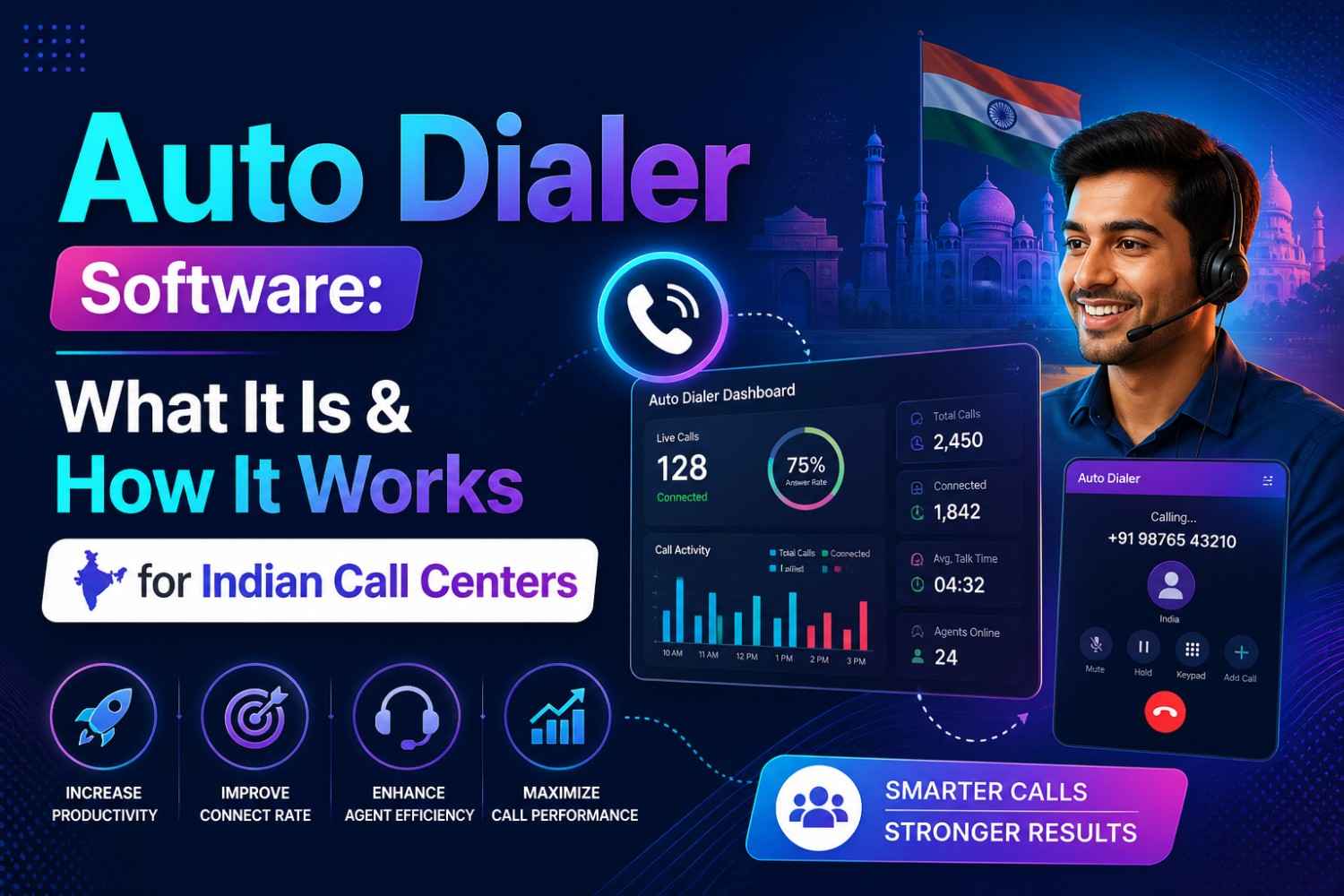
What Is Auto Dialer Software ?
Auto dialer software is a system that automatically dials phone numbers from a pre-loaded contact list — without any agent having to manually press a single digit.
When a call connects and a real person picks up, the system instantly routes it to an available agent. When a call hits voicemail, a busy tone, or just goes unanswered, the system moves on to the next number on its own.
That is the core idea.
But what makes it genuinely powerful is not just the automation itself — it is what that automation unlocks for your team. When agents stop wasting time on dialing, waiting, and dead ends, they suddenly have far more time for the only thing that actually drives revenue: talking to real people.
Here is a simple way to think about it. A typical agent doing manual outbound dialing might speak to 40 to 60 people in a full workday. With a properly configured auto dialer, that same agent can connect with 150 to 200 people in the exact same amount of time. That is not a small improvement. That is a complete transformation of what your team is capable of doing every single day.
Auto dialer technology has been around since the 1980s, but the modern cloud-based versions used today are nothing like those old systems. Today's dialers are intelligent, CRM-integrated, DND-compliant, and fully accessible from anywhere — no hardware installation required.
How Does Auto Dialer Software Work? (Step by Step)
Understanding how an auto dialer works is straightforward once you see the process broken down clearly. Here is exactly what happens from the moment a campaign starts to the moment a call ends.
Step 1 — You Upload Your Contact List
Everything starts with your data. You take your list of leads, customers, or prospects — usually in a simple CSV or Excel file — and upload it directly into the dialer system. This list can contain names, phone numbers, locations, and any other context your agents might need before a call.
Modern auto dialers let you filter, segment, and prioritize this list before dialing begins. You might want to call Delhi leads first, skip numbers contacted in the last 7 days, or focus only on a specific product segment. All of that can be set up in just a few minutes.
Step 2 — The System Starts Dialing Automatically
Once you launch the campaign, the auto dialer takes over completely. Depending on the type of dialer you are using, it will begin calling numbers one at a time or several simultaneously — without waiting for any human input.
The dialing pace is always calibrated to your available agents. The system is not blindly firing off calls into the void. It is constantly aware of how many agents are free and adjusts its speed accordingly so no connected call is left waiting without someone to answer it.
Step 3 — Call Detection Happens Instantly
This is where modern auto dialers show their real intelligence. When a call is placed, the system listens to what happens on the other end and classifies the result within seconds.
Did a human answer? Route it to an agent immediately. Is it a voicemail or answering machine? Skip it, or optionally drop a pre-recorded message. Was the line busy? Flag it for a callback later. Did nobody answer? Move on to the next number automatically.
This detection happens faster than any human could process it, which is why agents almost never experience that awkward silence of picking up a call that is still being decided.
Step 4 — Live Calls Are Routed to Available Agents
The moment a real person picks up, the call is pushed to the first available agent — along with everything that agent needs to know about that contact. Their name, previous call history, which product they showed interest in, any CRM notes — it all appears on the agent's screen before they say their first word.
This is what makes the experience feel natural from the customer's side too. The agent sounds prepared and professional, not like they are randomly cold-calling from a spreadsheet.
Step 5 — Everything Gets Logged Automatically
When the call ends, the system automatically records the outcome — whether it was a sale, a callback request, a refusal, or an unanswered attempt. This data feeds directly into your CRM in real time, so managers and agents always have an accurate picture of campaign performance.
No manual call logging. No spreadsheets being updated at end of day. Everything is captured in the moment, accurately, every time.
Step 6 — Reports and Dashboards Update in Real Time
Throughout the entire campaign, supervisors have access to a live dashboard that shows exactly what is happening across the floor. How many calls were made in the last hour. Which agents have the highest connect rates. Which time slots are performing best. Which leads need follow-up.
This level of visibility used to require a dedicated analytics team. With modern auto dialer software, it is built in and requires zero additional setup.
The 4 Types of Auto Dialer Software
Not all auto dialers work the same way. There are four main types, and choosing the right one depends on the size of your team, the nature of your calls, and the kind of customer experience you want to deliver.
1. Preview Dialer
A preview dialer shows the agent all available information about the next contact before the call is even placed. The agent reviews the details — past interactions, lead source, any special notes — and then manually triggers the call when they feel ready.
This type is slower by design, and that is actually the point. When you are calling high-value leads, large corporate clients, or people in sensitive situations like loan collections or medical follow-ups, rushing into a call without proper context can destroy the relationship before it even starts.
Preview dialers are best for small senior sales teams, high-ticket B2B calls, and any situation where personalization and preparation matter more than raw volume.
2. Progressive Dialer
A progressive dialer sits comfortably in the middle ground between manual and fully automated. It dials one number at a time, but only when an agent becomes available. There is no queue of multiple simultaneous calls — it is a controlled, one-to-one ratio of calls to agents.
This dramatically reduces the chance of a connected call having no agent available to receive it, which is one of the most frustrating experiences for a customer and one of the biggest compliance risks for any call center.
Progressive dialers work well for teams that need better productivity than manual dialing but are not yet ready for the complexity of predictive algorithms. They are a common and sensible choice for mid-sized telecalling operations across India.
3. Predictive Dialer
This is where auto dialer software gets genuinely impressive. A predictive dialer uses algorithms — and increasingly, machine learning — to dial multiple numbers simultaneously. It constantly predicts when an agent is about to finish their current call and will be ready for the next one, and adjusts its dialing rate accordingly.
The system is always recalibrating based on live data: average call duration, current agent availability, historical answer rates for specific time slots, and campaign-level patterns. The goal is to ensure that the moment an agent wraps up one call, there is already a live connected person waiting for them.
When configured correctly, a predictive dialer can push agent talk time from around 40 minutes per hour to over 50 minutes per hour. Across a 100-agent floor, that difference in daily productivity is enormous.
The trade-off is that predictive dialers require more careful setup and monitoring to avoid dropped calls, which carry compliance risk and create a poor experience for customers. They are best suited for large outbound operations — collections, insurance, telecom, surveys — where volume is the primary objective.
4. Power Dialer
A power dialer is similar to a progressive dialer but gives you the ability to set a fixed dial ratio — for example, dialing two numbers at a time per agent instead of one. It is more aggressive than progressive dialing but more controlled than predictive.
Power dialers are popular in medium to large call centers that want to meaningfully increase output without the full complexity of predictive algorithms. Managers get direct control over pacing and can adjust the ratio in real time based on what is happening on the floor.
The Real Benefits of Auto Dialer Software for Indian Call Centers
There are generic benefit lists everywhere. Instead, let us focus on what actually changes for Indian call centers specifically — teams that deal with massive contact lists, multilingual leads, tight margins, and serious regulatory pressure around DND compliance.
Your Agents Talk More and Wait Less
The most direct impact is the increase in actual agent talk time. Manual dialing is shockingly inefficient when you measure it honestly. Between finding numbers, dialing, waiting through rings, handling voicemails, and mentally recovering between calls, agents often spend less than half their shift in real conversations.
Auto dialer software changes that ratio significantly. By handling all the overhead automatically, it keeps agents in live conversations far more consistently. For a team of even 20 agents, a 30 percent improvement in talk time translates into hundreds of additional conversations every single day.
You Stop Losing Leads to Bad Timing and Human Inconsistency
One of the hidden costs of manual outbound calling is inconsistency. An agent who just finished a difficult call might unconsciously delay the next one. A busy afternoon means leads at the bottom of the list never get called that day. An updated spreadsheet gets forgotten.
With auto dialer software, the system has no off days. It dials at whatever pace you set, consistently, throughout the campaign. Leads that go unanswered are automatically rescheduled. Callbacks are queued without anyone needing to remember. Nothing falls through the cracks.
DND Compliance Becomes Automatic
In India, TRAI has strict rules around the Do Not Disturb registry. Calling a number on the DND list can result in significant penalties and legal complications for your business.
Manual compliance is genuinely difficult to maintain at scale. It requires your team to constantly cross-check lists against the DND database — a time-consuming process that is prone to human error, especially when contact lists are large and campaigns are moving fast.
Good auto dialer software handles this automatically. Before any number is dialed, it is checked against the DND registry. Registered numbers are filtered out before the campaign begins. Your agents never see them, and your business stays compliant without anyone having to think about it.
Your Managers Can See Everything in Real Time
In a traditional setup, getting a clear picture of call center performance requires pulling reports, speaking to team leads, and waiting for end-of-day summaries. By the time a manager knows that a particular agent is struggling or that a certain time of day is underperforming, the moment to act on it has already passed.
With auto dialer software, managers have a live dashboard showing the entire floor in real time. Call volumes, connection rates, agent activity, average handling time — all of it, live. Problems get spotted and corrected in the moment, not in the post-mortem.
Your CRM Data Actually Stays Accurate
Call outcome logging is one of the most disliked tasks in any call center, and as a result, it is often done poorly. Agents log outcomes in a hurry, skip notes entirely, or batch-update their records at the end of a shift from memory.
Auto dialer software integrates directly with your CRM so outcomes are logged automatically at the end of each call. Agents can add notes if they want, but the essential data — who was called, when, what happened, what the next step is — is captured without manual effort. This makes your CRM data reliable, which in turn makes every future campaign more effective.
Who Should Use Auto Dialer Software in India Right Now?
Auto dialer software is not reserved for large enterprise operations. In fact, some of the biggest productivity gains happen in smaller teams trying to compete with bigger competitors. Here is who benefits most:
Outbound sales teams in fintech, edtech, and insurance — sectors where volume of contact directly drives revenue and where even a small edge in connect rate means significant additional business each month.
Loan collection and recovery departments — where timing, persistence, and compliance are all equally critical, and where manual follow-up is both slow and emotionally exhausting for agents.
Real estate telecalling teams — where large lists of cold leads need to be worked quickly before those same leads go to a competitor.
Customer verification and onboarding teams — where new users need to be contacted promptly after signing up, because delay directly causes drop-off.
If your team is making more than 100 outbound calls per day, there is almost certainly a version of auto dialer software that will make your operation meaningfully more efficient.
Manual Dialing vs Auto Dialer Software: The Honest Comparison
Manual dialing gives you 40 to 60 calls per agent per day, significant non-productive time, no automatic DND filtering, no real-time manager visibility, and manual call logging that is inconsistent at best.
Auto dialer software gives you 150 to 200 calls per agent per day, near-zero idle time between calls, automatic DND compliance before any number is dialed, a live supervisor dashboard, and automatic CRM logging after every call.
The difference is not incremental. It is the difference between a team that is working and a team that is winning.
Why KRUDRA-CX Auto Dialer Is Built for Indian Call Centers
KRUDRA-CX has been built specifically for the realities of running a call center in India — large contact lists, tight margins, multilingual agents, and real compliance requirements.
The platform supports all four dialing modes so you can match the approach to your team's needs. The built-in CRM gives agents full context on every call without switching between tools. The supervisor dashboard gives managers the real-time visibility they need. And because KRUDRA-CX is fully cloud-based, there is nothing to install — no servers, no hardware, no IT team needed. You can be live in a single day.
Book your free demo at krudracx.com and see what your team is actually capable of.
Also Read:-
- What Is Predictive Dialer Software and How Is It Different from Auto Dialer?
- Inbound vs Outbound Call Center Software — Which One Does Your Business Need?
- How Cloud Call Center Solutions Are Replacing Traditional Hardware in India