
Introduction:-
Buying call center software is one of the most consequential technology decisions a business can make. Get it right, and your agents become more productive, your customers become more loyal, and your revenue grows. Get it wrong, and you're locked into a platform that frustrates your team, drives away customers, and costs you far more than the subscription fee.
The problem? The market is saturated. There are dozens of vendors, each promising the world — "AI-powered," "omnichannel," "enterprise-grade." The buzzwords blur together, and most demo calls are designed to show you what a platform does well, not what it can't do.
This guide cuts through all of that.
We've broken down the 10 features that actually matter — the capabilities that separate genuinely powerful call center software from overpriced, underdelivering tools dressed up in a nice UI. Whether you're setting up your first contact center or migrating away from a legacy system, these are the non-negotiables you need to evaluate before you buy.
Let's get into it.
Feature 1: Automatic Call Distribution (ACD) — The Heart of Inbound Operations
If you run an inbound call center — or even handle a significant volume of incoming calls — Automatic Call Distribution is the single most important feature your software can have. ACD is the engine that decides which agent receives which call, and how that decision is made determines everything: wait times, first-call resolution rates, agent utilization, and ultimately, customer satisfaction.
Basic ACD routes calls on a simple round-robin or first-available basis. That works when you have five agents and low volume. It breaks down at scale.
What you actually need is skills-based routing — the ability to match each incoming call to the agent best equipped to handle it. A customer calling about a billing dispute should reach a billing specialist. A VIP customer should be routed to a senior agent. A caller who speaks only Hindi should connect to a Hindi-speaking agent without having to ask.
Modern ACD systems go further. They incorporate priority-based routing, where high-value customers skip the queue and reach agents faster. They offer data-driven routing, pulling context from your CRM to personalize the match. Some platforms now use AI to predict which agent is most likely to successfully resolve a specific type of issue based on historical data.
When evaluating ACD, ask vendors: Can I define custom routing rules without engineering support? Can I update routing logic in real time during a peak? Can I route based on customer data from my CRM? If the answer to any of these is no — or "it requires a support ticket" — keep looking.
Why it matters: Correct routing means more issues resolved on the first call, shorter handle times, and a measurably better customer experience. Poor routing means frustration on both sides of the call.
Feature 2: Interactive Voice Response (IVR) — Your 24/7 Front Desk
Before a call ever reaches an agent, it passes through your IVR. This is the system customers interact with when they first call in — "Press 1 for sales, press 2 for support." Done well, an IVR dramatically reduces agent workload by resolving simple queries automatically and ensuring complex ones reach the right team. Done poorly, it becomes a wall between your customer and a resolution.
The difference between a good IVR and a great one is depth, flexibility, and intelligence.
A good IVR lets you build multi-level menus. A great IVR lets you build conversational flows that use natural language processing — so instead of pressing buttons, customers can say what they need and the system understands them. This is the difference between "Press 3 for account balance" and "What can I help you with today?" followed by the system actually processing the response.
Beyond self-service, your IVR should support personalization. If a customer calls in and your system can identify them by their phone number, it should greet them by name, acknowledge their account status, and offer menu options relevant to their history. This level of personalization is now table stakes for any modern platform.
Also critical: IVR analytics. Where are customers dropping off in your menu? Which options are being selected most? Which paths lead to agent escalations? If your platform can't tell you this, you're operating your front desk blind.
Look for: drag-and-drop IVR builders (no coding required), natural language IVR options, self-service integrations (check order status, pay a bill, reset a PIN), and robust flow analytics.
Why it matters: A well-designed IVR handles 30-50% of queries without agent involvement, freeing your team to focus on complex, high-value interactions.
Feature 3: Auto Dialer — The Engine of Outbound Performance
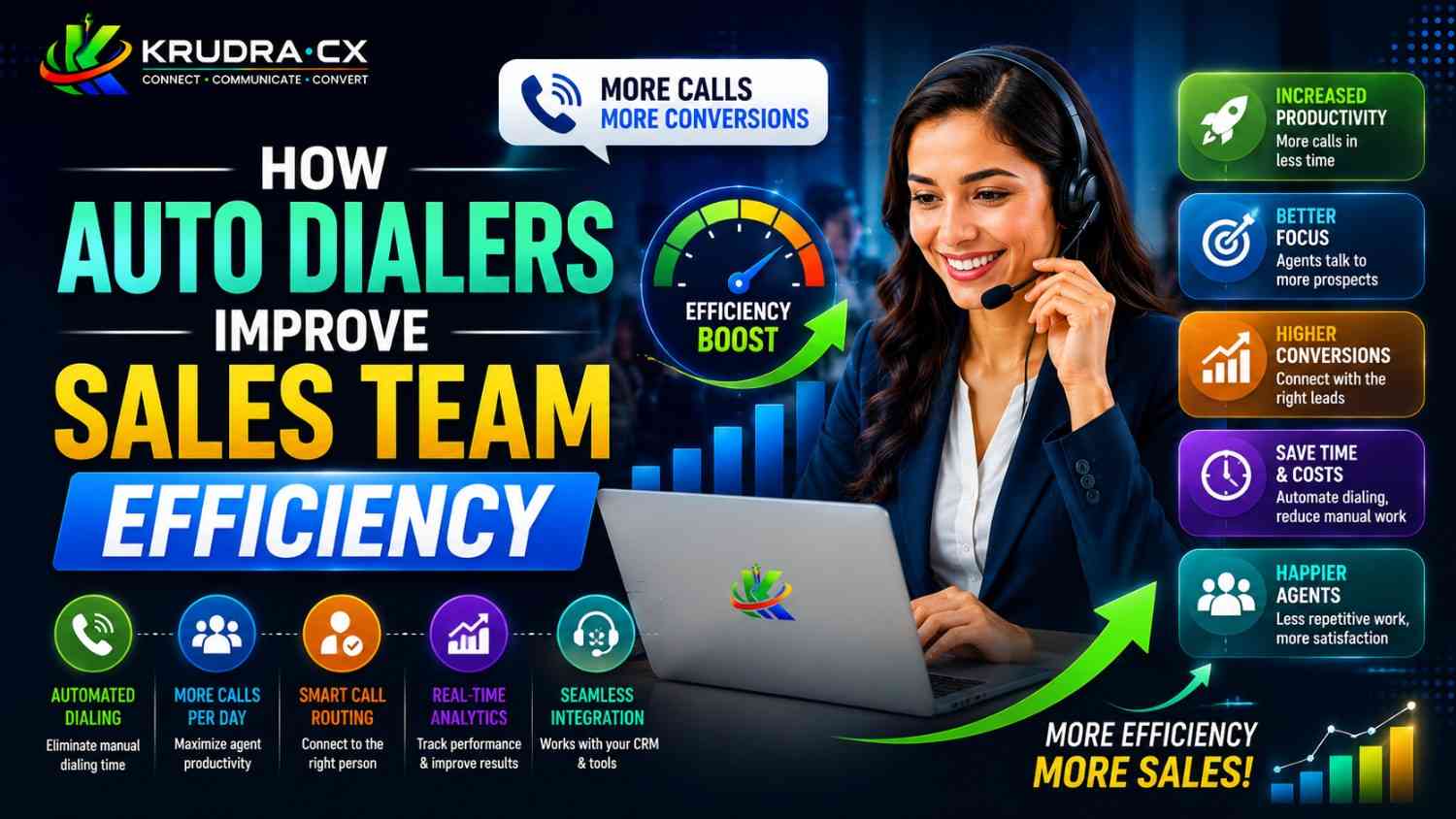
If your team makes outbound calls — for sales, collections, reminders, surveys, or follow-ups — the quality of your auto dialer will directly determine how much revenue your agents can generate per shift. This is not an exaggeration.
Without a dialer, an agent manually dials numbers, waits through rings, navigates voicemails, handles busy signals, and finally — if lucky — reaches a live person. In an eight-hour shift, they might complete 40-50 meaningful conversations. With the right dialer, that number can be 80-120.
There are three main types you need to understand:
Preview Dialer: Shows the agent the contact record before dialing. The agent reviews it and initiates the call manually. Best for complex, high-value conversations where preparation matters — financial services, healthcare follow-ups, enterprise sales.
Progressive Dialer: Automatically dials the next number as soon as an agent becomes available. Removes idle time without overwhelming agents. Best for mid-complexity outbound campaigns.
Predictive Dialer: Uses an algorithm to dial multiple numbers simultaneously and only connects an agent when a live person answers. Dramatically increases call volume. Best for high-volume campaigns like collections or mass outreach where the nature of the conversation is more transactional.
Beyond the dialer type, look for: DNC (Do Not Call) list compliance built in, voicemail drop (agents can drop a pre-recorded message and move to the next call), local presence dialing (the system displays a local area code to improve answer rates), and campaign management (the ability to create, pause, and modify outbound campaigns in real time).
Why it matters: The right auto dialer can increase agent talk time by 200-300%, directly amplifying your outbound team's output without adding headcount.
Feature 4: Real-Time Analytics & Reporting — See Everything, Fix Anything
Data is only valuable if it's timely. End-of-day reports tell you what went wrong after it's too late to fix it. Real-time analytics let you intervene while there's still time to make a difference.
Imagine it's 11:30 AM on a Monday, and your queue is spiking. Without real-time data, your supervisor finds out at the 3 PM debrief that 80 customers abandoned calls between 11 and 12. With real-time dashboards, they see the spike at 11:15, immediately reassign three agents from outbound tasks to inbound queue coverage, and the abandonment rate never becomes a problem.
This is the power of live operational intelligence — and it should be a baseline expectation, not a premium add-on.
The core real-time metrics your platform must surface include: queue depth and wait times, agent availability and status, calls in progress by skill group, abandoned call rate, SLA (Service Level Agreement) compliance in real-time, and average handle time per agent.
Beyond live monitoring, your historical reporting should be equally powerful. Look for: customizable report templates, scheduled report delivery, cohort analysis (how does Monday morning compare to Friday afternoon?), agent-level performance breakdown, and the ability to export data to BI tools like Tableau or Power BI.
One often-overlooked capability: supervisor intervention tools. These include call monitoring (listen in silently), call whispering (coach the agent without the customer hearing), and call barging (join the call as a third party when the situation demands it). These features live at the intersection of analytics and quality management, and they're invaluable for training and escalation management.
Why it matters: Companies with real-time call center analytics reduce average handle time by 15-20% and improve first-call resolution rates by up to 25%.
Feature 5: CRM Integration — Context is Everything
The modern customer doesn't want to explain their problem more than once. They expect the agent who picks up their call to already know who they are, what they've bought, what issues they've had, and what was promised to them last time. Delivering on that expectation requires deep, seamless CRM integration.
This goes far beyond a basic "click to call" button inside your CRM. True CRM integration means bidirectional data sync — the call center platform reads from and writes to your CRM automatically, without agent effort.
When a call connects, the agent should see a screen pop — an automatic display of the customer's full profile: name, account status, contact history, open tickets, recent purchases, and any notes from previous interactions. This eliminates the need for customers to repeat themselves and dramatically reduces the time agents spend searching for information.
When a call ends, the platform should automatically log the call, record the outcome, update the contact record, and trigger any follow-up workflows — all without the agent touching the CRM manually.
The most critical integrations to look for: Salesforce, HubSpot, Zoho CRM, Freshdesk, Zendesk, and Microsoft Dynamics. Also check for open API access — if a vendor only offers native integrations with a limited list of tools, and your CRM isn't on it, you'll be building workarounds forever.
Why it matters: Agents with full customer context resolve issues 40% faster, make 30% fewer errors, and generate CSAT scores that are consistently 20-30 points higher than agents working without context.
Feature 6: Omnichannel Support — Customers Don't Live on Phone Calls Alone
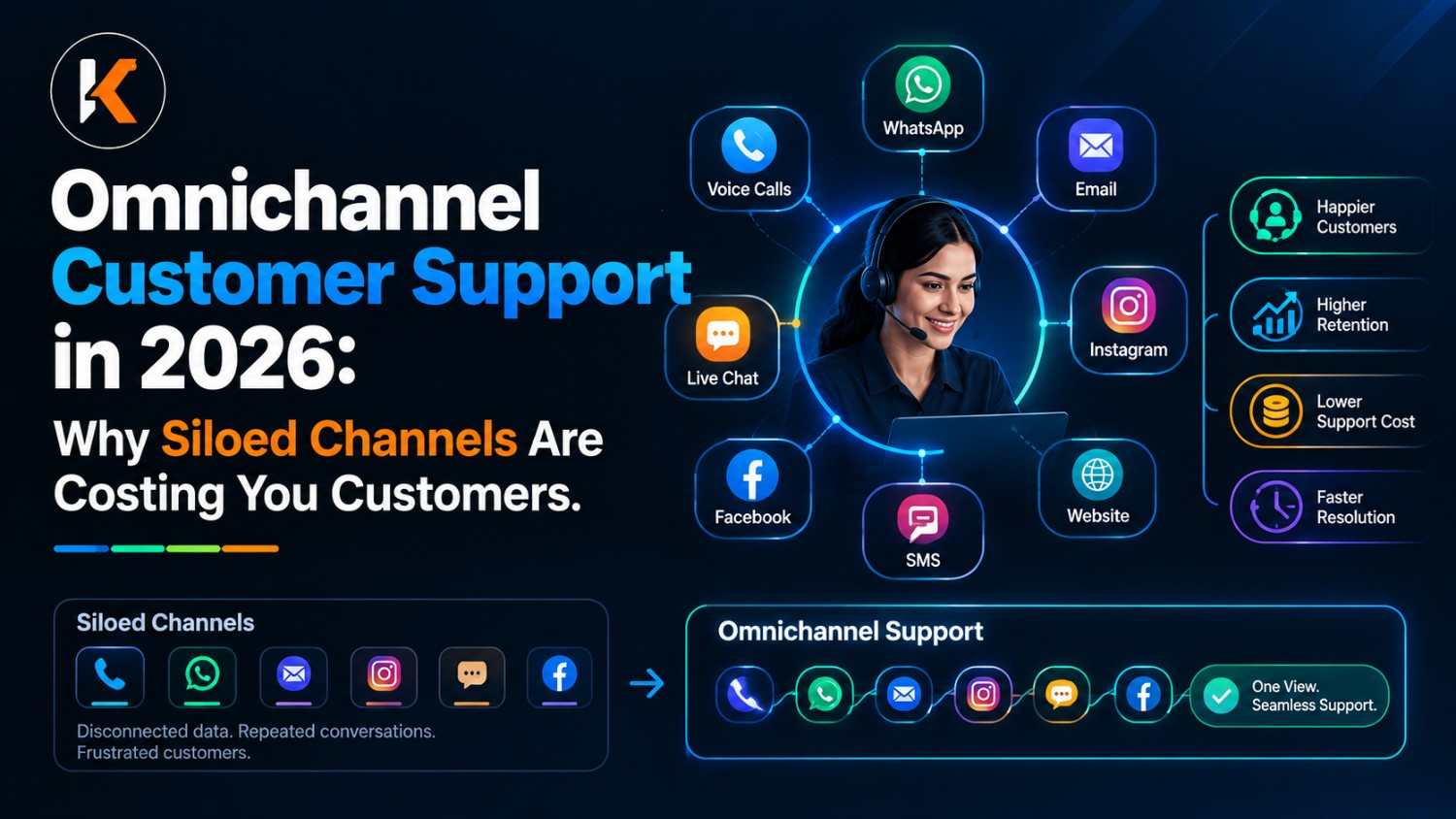
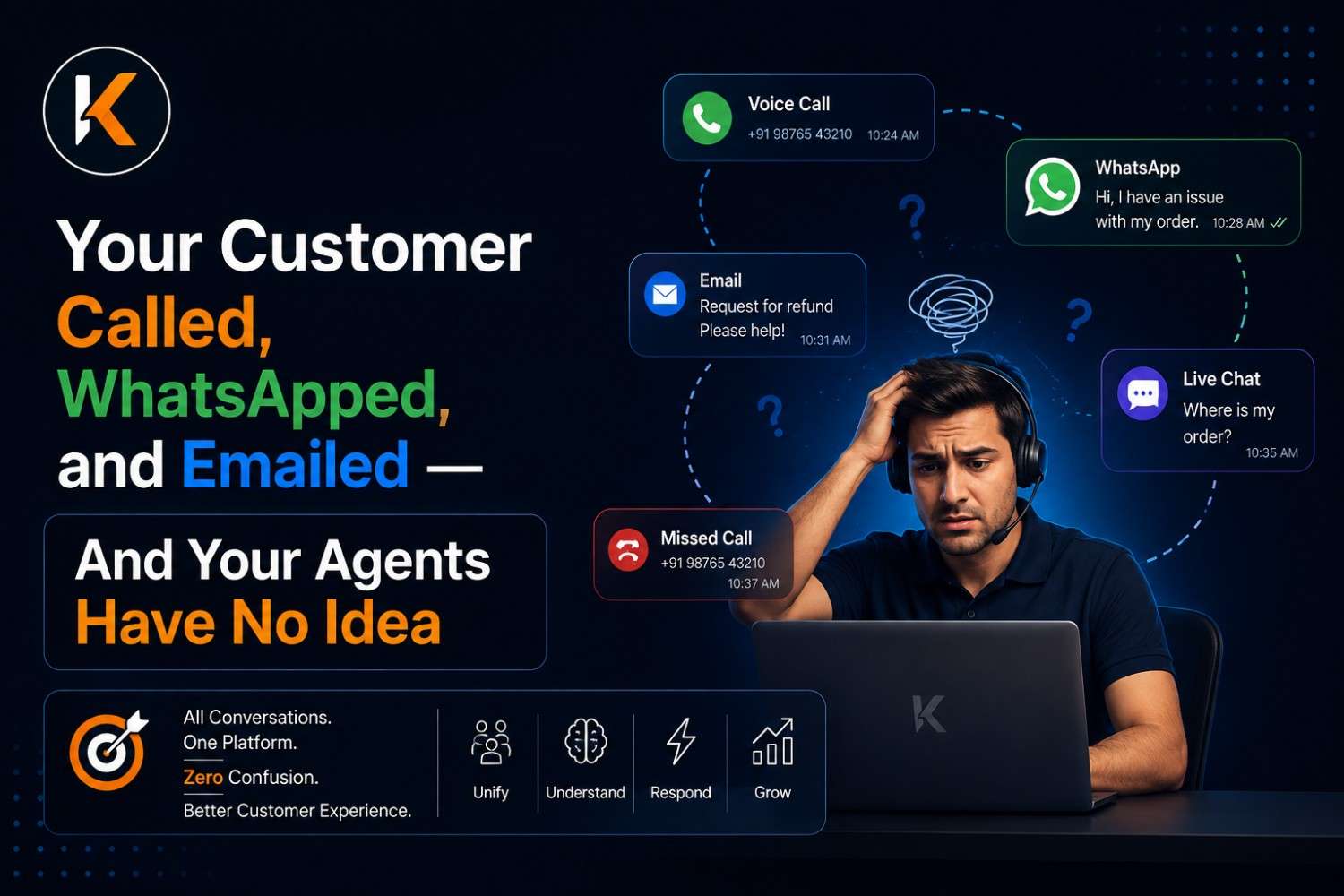
Voice is still the dominant channel for complex customer service issues — but it's no longer the only one that matters. Today's customers move between channels fluidly. They might start a query on WhatsApp, follow up via email, and then call in when they need immediate resolution. If each of those touchpoints exists in a separate system, the customer has to repeat themselves every time. That's a failure.
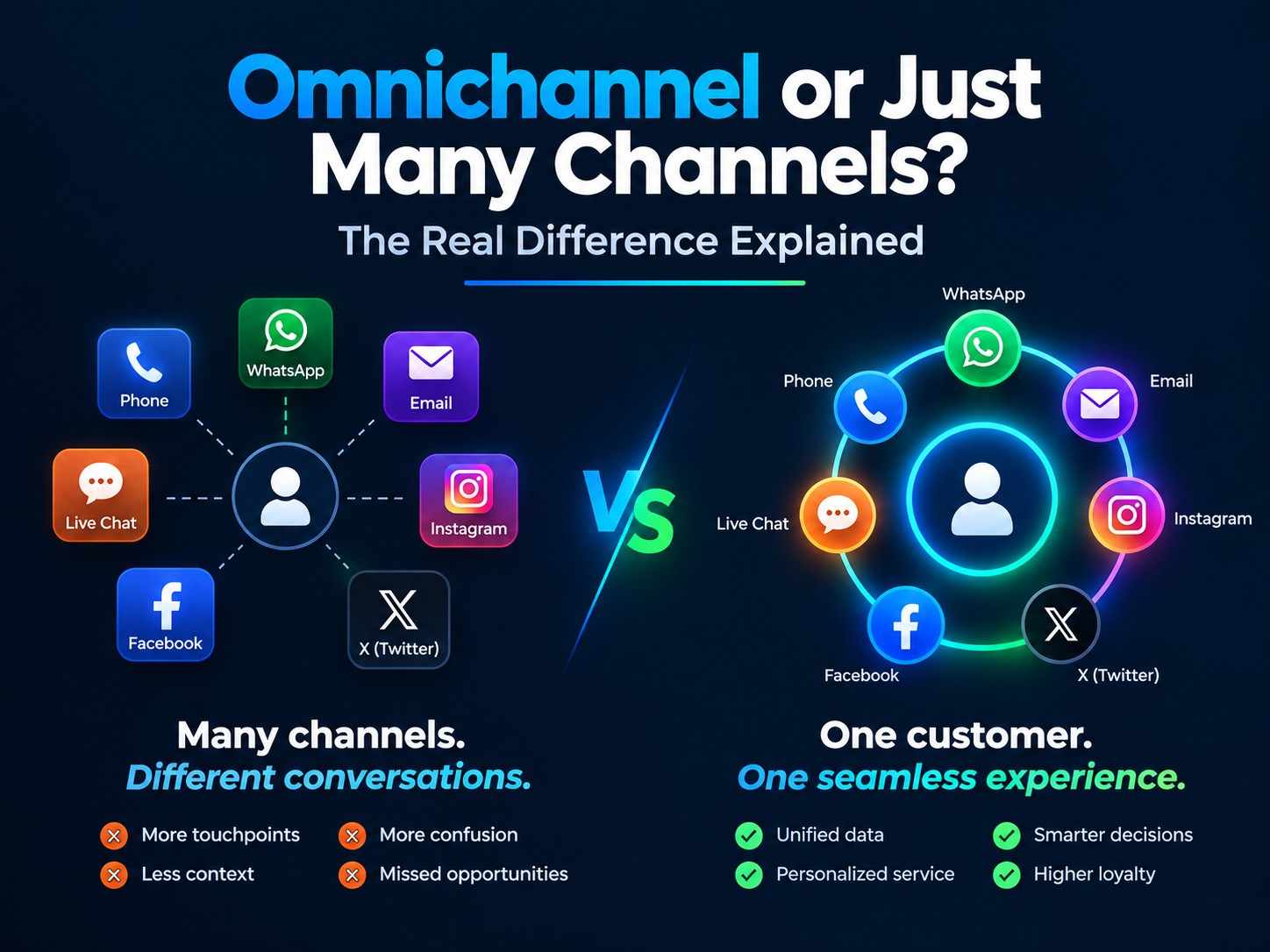
Omnichannel support means all channels — voice, email, live chat, WhatsApp, SMS, social media DMs — are managed within a single platform, with a unified customer timeline visible to every agent regardless of channel.
There's an important distinction here: multichannel means supporting multiple channels separately. Omnichannel means those channels are connected, with context flowing between them. Many vendors claim omnichannel but deliver multichannel. Ask specifically: "If a customer chats with us today and calls tomorrow, does the phone agent see the chat transcript?" If the answer is yes, it's omnichannel. If there's hesitation, it isn't.
For businesses in India specifically, WhatsApp Business API integration is now essential — it's where a huge portion of customer communication happens, and any modern call center platform needs to support it natively.
Why it matters: Customers who receive consistent service across channels have a 90% higher retention rate than those who experience fragmented support.
Feature 7: Call Recording & Quality Management — Improve What You Can Measure
Every call your agents handle is a source of intelligence — a record of what your customers need, how your agents respond, and where your processes break down. Call recording captures that intelligence. Quality management tools put it to work.
At minimum, your platform should offer: automatic call recording for 100% of calls, encrypted cloud storage with configurable retention periods, and easy search and playback for supervisors and compliance teams.
But the real value kicks in at the next level: AI-powered quality scoring. Instead of a supervisor manually listening to 3-5% of calls and scoring them on a rubric, AI can analyze every call — transcribing it, scoring it against your defined criteria, flagging calls that need human review, and surfacing patterns across thousands of interactions.
What kinds of patterns? Agents who consistently miss upsell opportunities. Calls where customers mention a competitor by name. Interactions where sentiment goes negative in the first 60 seconds. Scripts that are being followed too rigidly. These insights are invisible without AI-powered analysis at scale.
Also look for: customizable QA scorecards, agent self-review tools (agents reviewing their own calls significantly accelerates improvement), and calibration workflows (ensuring multiple supervisors score consistently).
Why it matters: Contact centers with systematic quality management programs improve customer satisfaction scores by 15-25% within a year — and significantly reduce agent churn by catching performance issues before they become exit events.
Feature 8: Workforce Management (WFM) — Right People, Right Time
You can have the best software in the world, but if you have 20 agents working when you need 35, or 40 working when you only need 15, your customer experience suffers and your costs spiral. Workforce management is the discipline of matching agent supply to customer demand — and modern call center software should include it, not require a separate tool.
Core WFM capabilities to look for:
Forecasting: The system should analyze historical call volume data — by day of week, time of day, season, and after special events — to predict future demand with accuracy. Good forecasting prevents both overstaffing (wasted cost) and understaffing (poor CX).
Scheduling: Based on forecasts, the system should generate optimized agent schedules that account for shift preferences, skill requirements, break rules, and labor regulations. Manual scheduling at scale is both time-consuming and inaccurate.
Intraday Management: Real-time visibility into how actual call volume compares to forecast, with tools to adjust on the fly — moving agents between queues, extending shifts, or triggering overtime protocols.
Adherence Tracking: Are agents following their scheduled breaks? Are they available when they're supposed to be? Adherence tracking gives supervisors visibility into schedule compliance without micromanaging.
Why it matters: Proper workforce management typically reduces staffing costs by 10-15% while simultaneously improving service levels — a rare case where cost reduction and quality improvement go hand in hand.
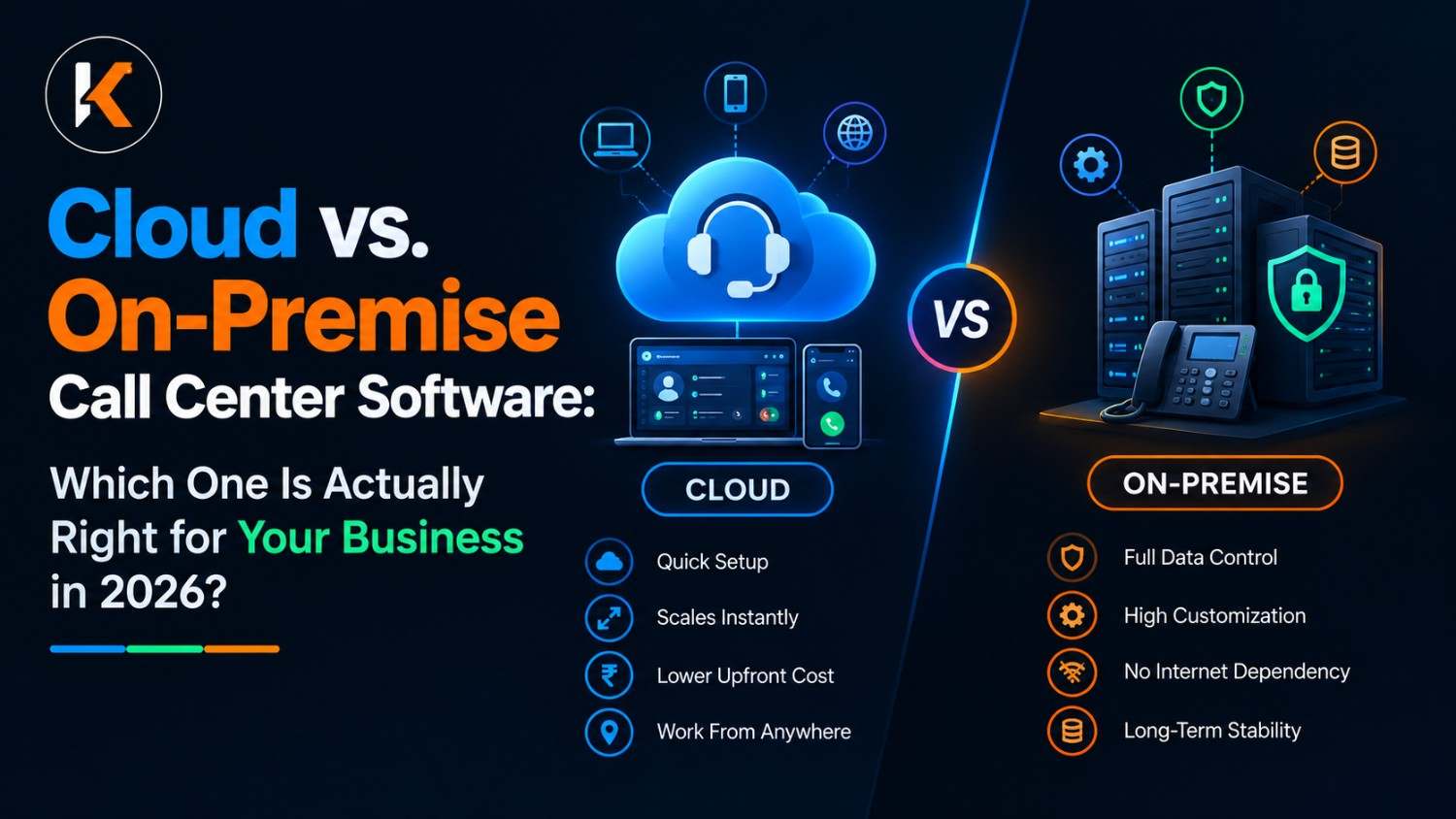
Feature 9: Cloud-Native Architecture — The Foundation Everything Else Depends On
Every feature on this list is only as reliable as the infrastructure it runs on. In 2025, that infrastructure should be cloud-native — not "cloud-hosted" (old software running on a server someone else owns), but genuinely built for the cloud from the ground up.
The practical implications of this distinction are enormous.
Reliability: Cloud-native platforms are built with redundancy at every layer. If one data center has an issue, traffic automatically shifts to another. Downtime is measured in minutes per year, not hours. Look for vendors offering 99.99% uptime SLAs with financial penalties for non-compliance.
Scalability: Cloud-native means you can add 50 agents tomorrow morning without a hardware procurement cycle. You can scale down after a peak season without paying for idle capacity. You can open a new office in a new city and onboard agents on day one.
Remote and Hybrid Work: Cloud-native platforms work wherever there's an internet connection. Your agents can work from home, from satellite offices, or from anywhere in the world — with the same tools, the same data, and the same quality as sitting in a call center.
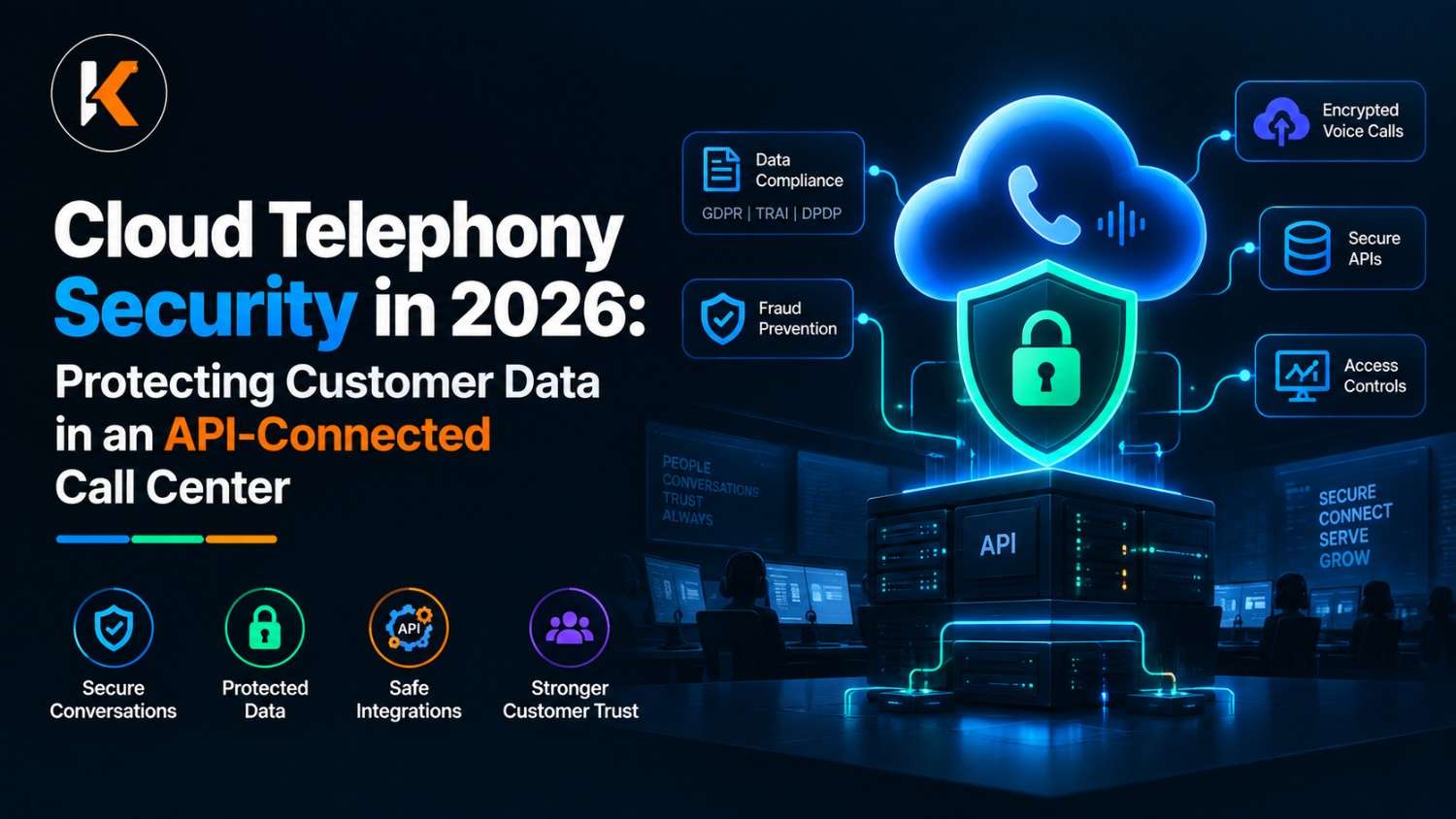
Security and Compliance: Reputable cloud platforms invest in security certifications (ISO 27001, SOC 2, PCI-DSS) that most on-premise installations can't match. For businesses handling financial or health data, this is non-negotiable.
Updates and Innovation: Cloud platforms update continuously. You get new features, security patches, and AI improvements automatically — without planning a migration project or calling your IT team.
Ask vendors directly: Is your platform built on microservices? Where are your data centers, and how many do you have? What is your actual uptime over the last 12 months (not the SLA number — the actual number)?
Why it matters: On-premise or legacy-hosted systems are increasingly unable to support modern call center requirements around remote work, integration, and AI. Cloud-native is not a nice-to-have — it's the baseline.
Feature 10: AI & Automation — The Feature That Multiplies Every Other Feature
Artificial intelligence is not the future of call center software. It is the present — and businesses that aren't using it are already falling behind. The question isn't whether your platform should have AI; it's what kind of AI, and how deeply it's integrated.
Here are the AI capabilities that deliver real, measurable value today:
AI-Powered Routing: Uses machine learning to predict which agent is most likely to resolve a specific interaction successfully, based on historical outcomes. Goes far beyond skills-based routing by incorporating behavioral data.
Real-Time Agent Assist: During a live call, AI listens and surfaces relevant knowledge base articles, suggested responses, compliance reminders, and upsell prompts on the agent's screen — in real time. Agents don't search; the information comes to them.
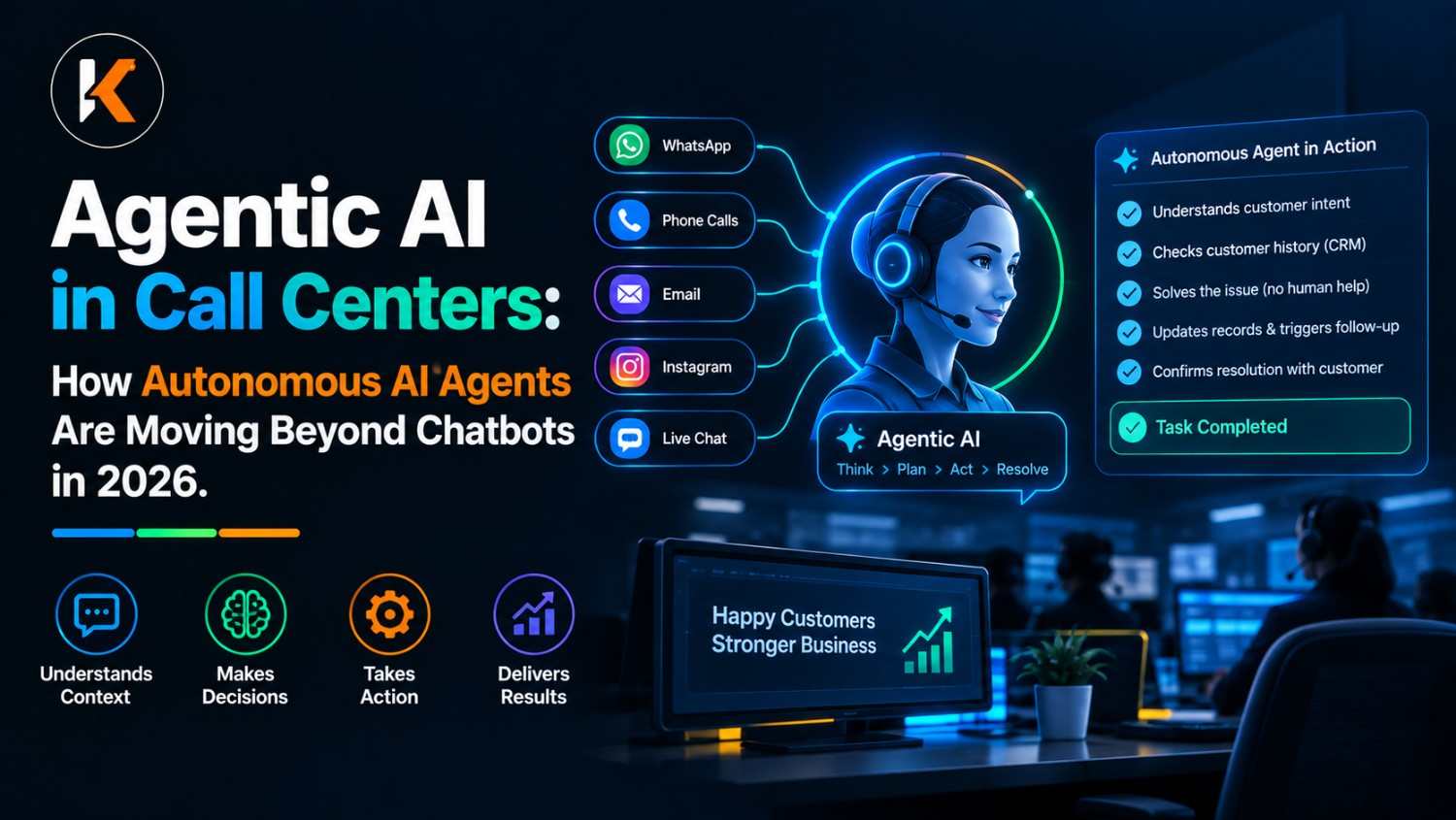
Conversational AI and Chatbots: Handle routine, repetitive queries — order status, account balance, appointment scheduling, password resets — without any agent involvement. Well-designed conversational AI can resolve 30-40% of interactions end-to-end.
Speech Analytics: Transcribes and analyzes every call automatically. Identifies topics, sentiment, compliance adherence, and competitive mentions across 100% of call volume — something no human QA team can achieve at scale.
Predictive Analytics: Uses historical data to predict future customer behavior — which customers are at churn risk, which calls are likely to escalate, which agents are at burnout risk. Allows proactive intervention rather than reactive firefighting.
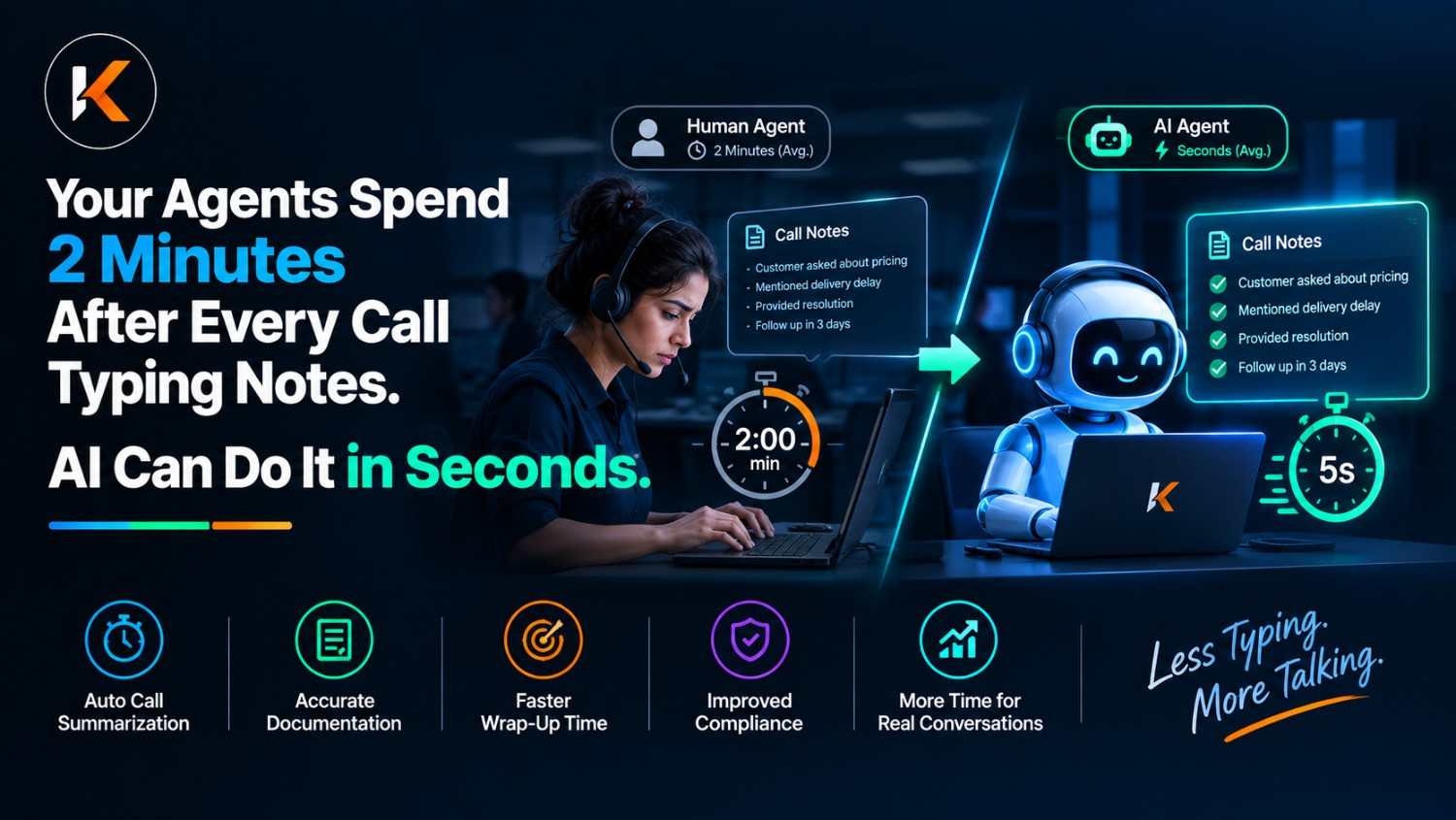
Automated Workflows: Triggers post-call actions automatically — logging to CRM, sending follow-up emails, creating tickets, scheduling callbacks — without any manual agent effort.
When evaluating AI, be specific. Ask: Is the AI trained on call center data specifically? Is it built in, or is it a third-party integration? Can I configure the AI prompts and models? What languages does speech analytics support?
Why it matters: AI-enabled contact centers report 25-35% reductions in average handle time, 20-30% improvements in first-call resolution, and significantly higher agent satisfaction scores — because AI handles the repetitive work and lets agents focus on the interactions that require genuine human judgment.
The Complete Buyer's Checklist
Before you sign a contract, run every vendor through these questions:
ACD & Routing: Does it support skills-based, priority-based, and data-driven routing? Can non-technical users update routing rules?
IVR: Can I build and modify IVR flows without coding? Does it support natural language? Can I measure drop-off and completion rates?
Auto Dialer: Which dialer modes are included (preview, progressive, predictive)? Is DNC compliance built in? Does it support voicemail drop and local presence?
Analytics: Are dashboards real-time or delayed? Can I customize KPIs? Does it integrate with external BI tools?
CRM Integration: Which CRMs have native integrations? Is screen pop included? Does it auto-log calls bidirectionally?
Omnichannel: Is it truly omnichannel (unified timeline) or multichannel (separate systems)? Does it include WhatsApp Business API?
Call Recording & QA: Is 100% call recording standard? Is AI-powered quality scoring available? How long is storage retained?
WFM: Is forecasting and scheduling built in or a paid add-on? Does it support intraday management?
Infrastructure: Is it cloud-native? What is the real uptime over the last 12 months? Where are the data centers?
AI: What AI features are included in the base price? Is agent assist available in real time? What languages does speech analytics support?
Conclusion
Choosing call center software is not a small decision. The platform you select will touch every customer interaction your business has, shape your agents' daily experience, and directly influence your revenue and retention numbers.
The good news is that when you know what to look for — ACD, IVR, auto dialer, real-time analytics, CRM integration, omnichannel support, call recording, workforce management, cloud architecture, and AI — you can cut through the vendor noise and evaluate platforms on what actually matters.
Don't buy features you'll never use. Don't compromise on the features you will.
Ready to Find the Right Call Center Software for Your Business ?
Stop guessing. Start knowing.
At Krudra CX, we help businesses across India and beyond design, deploy, and optimize call center operations — with software that actually fits how your team works and how your customers think.
Whether you need a pure inbound setup, a high-volume outbound dialer, or a fully blended omnichannel platform, our team will walk you through a free, no-obligation call center audit — analyzing your current setup, identifying your gaps, and recommending the right solution for your scale and budget.
Here's what you get in your free audit: ✅ A full review of your current call center stack ✅ KPI benchmarking against industry standards for your sector ✅ A feature gap analysis against the 10 features in this guide ✅ A recommended solution roadmap — with zero sales pressure
👉 DM us on Instagram @krudracx or drop a comment "AUDIT" below and we'll reach out within 24 hours.
📧 Or visit krudracx.com to book a 30-minute consultation with our CX specialists.
Your customers deserve better. So does your team. Let's build it together. 💚
© 2025 Krudra CX. All rights reserved. | @krudracx | krudracx.com