Call centers run on pressure. Agents are handling dozens of calls a day, managers are watching queues in real time, and customers are losing patience fast. The software running underneath all of that either helps or hurts — there's rarely a middle ground.
Choosing the wrong platform doesn't just slow things down. It burns out agents, frustrates customers, and quietly costs the business more than anyone calculates at the time of purchase. So before you commit to a solution, here's what actually matters.
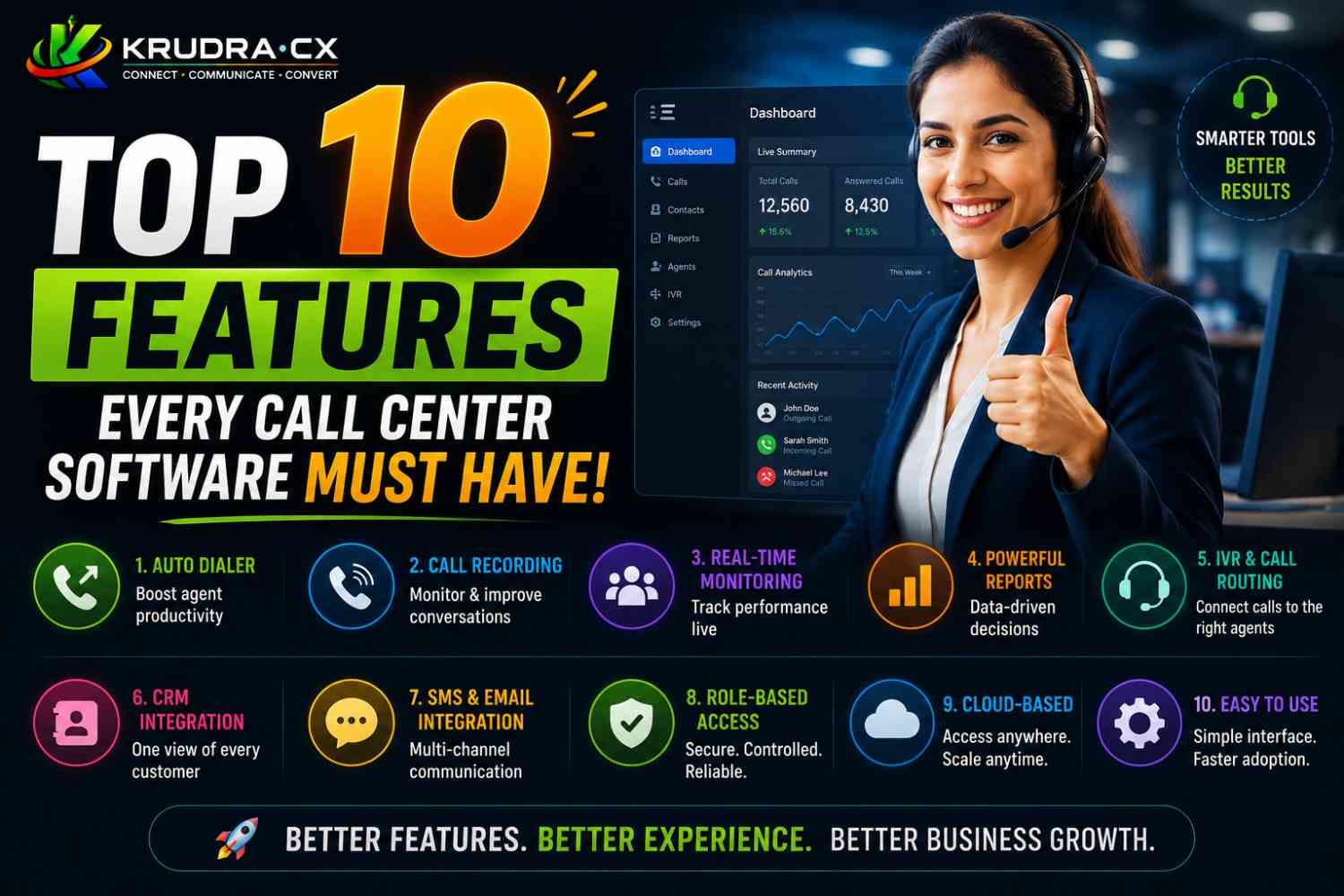
1. Automatic Call Distribution (ACD)
When a call comes in, someone needs to decide where it goes. ACD does that automatically, routing callers to the right agent or department based on rules you define — skill level, availability, language, issue type, or whatever else your operation requires.
The difference between a good ACD system and a basic one shows up in the details. Can you set up priority routing for high-value customers? Can you route based on the last agent a customer spoke with? Can supervisors override routing rules on the fly when the queue spikes?
If the answer to most of those is "no," that's a problem you'll feel daily.
2. Interactive Voice Response (IVR)
IVR is the menu system callers hear before reaching a live agent. Done right, it reduces call volume by resolving simple requests — balance checks, appointment confirmations, account status — without human involvement. Done poorly, it becomes the thing customers complain about.
The feature isn't just the IVR itself. It's how configurable it is. Can non-technical staff update call flows without filing a support ticket? Can it pull live data from your CRM to personalize what callers hear? Can callers exit the IVR and reach a human without starting over?
Those questions separate functional IVR from genuinely useful IVR.
3. Omnichannel Support
Customers don't stay on one channel. They might start with a tweet, follow up by email, then call in to resolve it. If your software treats each of those as a separate, unconnected interaction, your agents are flying blind every time.
Omnichannel support means a single unified interface for voice, email, live chat, SMS, and social. More importantly, it means the full conversation history follows the customer across every channel. An agent picking up a call should be able to see that the customer already emailed twice and chatted once — without having to ask.
The absence of this feature doesn't just hurt efficiency. It visibly frustrates customers who expect you to already know who they are.
4. CRM Integration
Call center software without CRM integration is like a doctor seeing patients without access to medical records. Technically possible, but deeply inefficient.
When an agent answers a call, customer data should already be on screen — purchase history, previous issues, account tier, open tickets. They shouldn't spend the first minute of a call asking for information that already exists in the system.
Beyond the screen pop, the integration should go both ways. Notes logged during a call should sync to the CRM automatically. Outcomes should update records. Support activity should be visible to sales. When these systems are siloed, things fall through the gaps.
5. Real-Time Analytics and Reporting
You can't manage what you can't see. Real-time dashboards give supervisors a live view of queue depths, average handle times, agent availability, and service levels — which means they can act on problems before they become crises.
Historical reporting matters just as much, though for different reasons. Trend analysis over weeks and months tells you whether changes you've made are actually working, where training gaps exist, and how call volumes shift with seasons, product launches, or market events.
The reports that matter most are the ones you can customize. Standard out-of-the-box dashboards cover the basics. But every operation has specific metrics it cares about, and the software should let you build around those.
6. Call Recording and Quality Monitoring
Call recording is, at this point, table stakes. Every serious call center platform includes it. What separates better platforms is what you can do with the recordings.
Can supervisors search recordings by keyword? Can they flag specific calls for review without listening to every minute? Can recordings be automatically scored based on whether the agent followed a script, used compliant language, or resolved the issue on the first call?
Quality monitoring tied to actual coaching workflows is where this feature earns its keep. Recording without review is just storage.
7. Workforce Management (WFM)
Staffing is one of the hardest problems in call center operations. Too few agents and service levels collapse. Too many and costs spiral. Getting it right requires accurate forecasting — and most call centers are still doing this badly.
Workforce management tools forecast call volumes based on historical patterns, schedule agents to match expected demand, and track adherence in real time. When someone calls in sick or volume unexpectedly spikes, the system helps supervisors rebalance quickly.
For larger operations, WFM isn't optional. For smaller ones, even basic scheduling features save meaningful time and prevent the guesswork that leads to chronic understaffing on busy days.
8. Agent Desktop and Scripting Tools
The agent experience often gets less attention than the customer experience. That's a mistake, because the two are directly connected.
A cluttered, slow, hard-to-navigate desktop costs seconds per interaction. Multiply that by 80 calls a day across 50 agents and it adds up fast. More importantly, agents who are fighting their software are less focused on the customer.
Good scripting tools help new agents stay on track and ensure compliance without sounding robotic. Dynamic scripts that adapt based on what the customer says — rather than following a rigid linear path — are noticeably better than static ones.
The best setups give agents everything they need in one screen: customer info, call controls, scripts, knowledge base access, and case management. No switching between applications mid-call.
9. Outbound Dialing Capabilities
Not every call center is purely inbound. Many operations handle collections, appointment reminders, renewal campaigns, or customer satisfaction outreach — and those require outbound dialing tools.
Preview dialing shows the agent the customer record before the call connects, useful when context matters. Progressive dialing automatically connects agents to the next number when they're available. Predictive dialing goes further, using algorithms to dial multiple numbers simultaneously and route live answers to available agents.
Each mode suits different use cases. A collections team has different needs than a healthcare reminder service. The platform should support all three and let you choose based on the campaign.
Compliance is also not negotiable here. The software needs built-in tools for managing do-not-call lists, respecting calling windows, and maintaining records for regulatory purposes.
10. Security and Compliance Features
This one tends to get checked off quickly during the buying process and revisited painfully after an incident.
Call centers handle sensitive data — payment card information, health records, personal identification details. The platform needs to meet the compliance standards relevant to your industry: PCI-DSS if you're taking payments, HIPAA if you're in healthcare, GDPR if you're operating in or serving Europe.
Specific features to look for: automatic PCI pause and resume during payment capture (so card numbers aren't stored in recordings), role-based access controls, audit logs, data residency options, and encryption both in transit and at rest.
Security features aren't differentiators. They're requirements. Any vendor that treats them as optional or hard to explain should be a concern.
How to Actually Evaluate This
Most platforms will claim to offer all ten of these. The more useful question during evaluation is how well each feature works and how much it costs to configure.
Ask vendors for a live demo of the features that matter most to your operation — not a slide deck. Ask to speak with a customer whose call center is similar in size and complexity to yours. Ask what happens when something breaks at 2am.
The right call center software doesn't just check boxes. It holds up under the volume and complexity of real daily operations — and it gives your team the tools to do their jobs without fighting the system.
Whether you're building a new contact center or replacing a platform that's outlived its usefulness, these ten features are the foundation. Everything else is secondary.