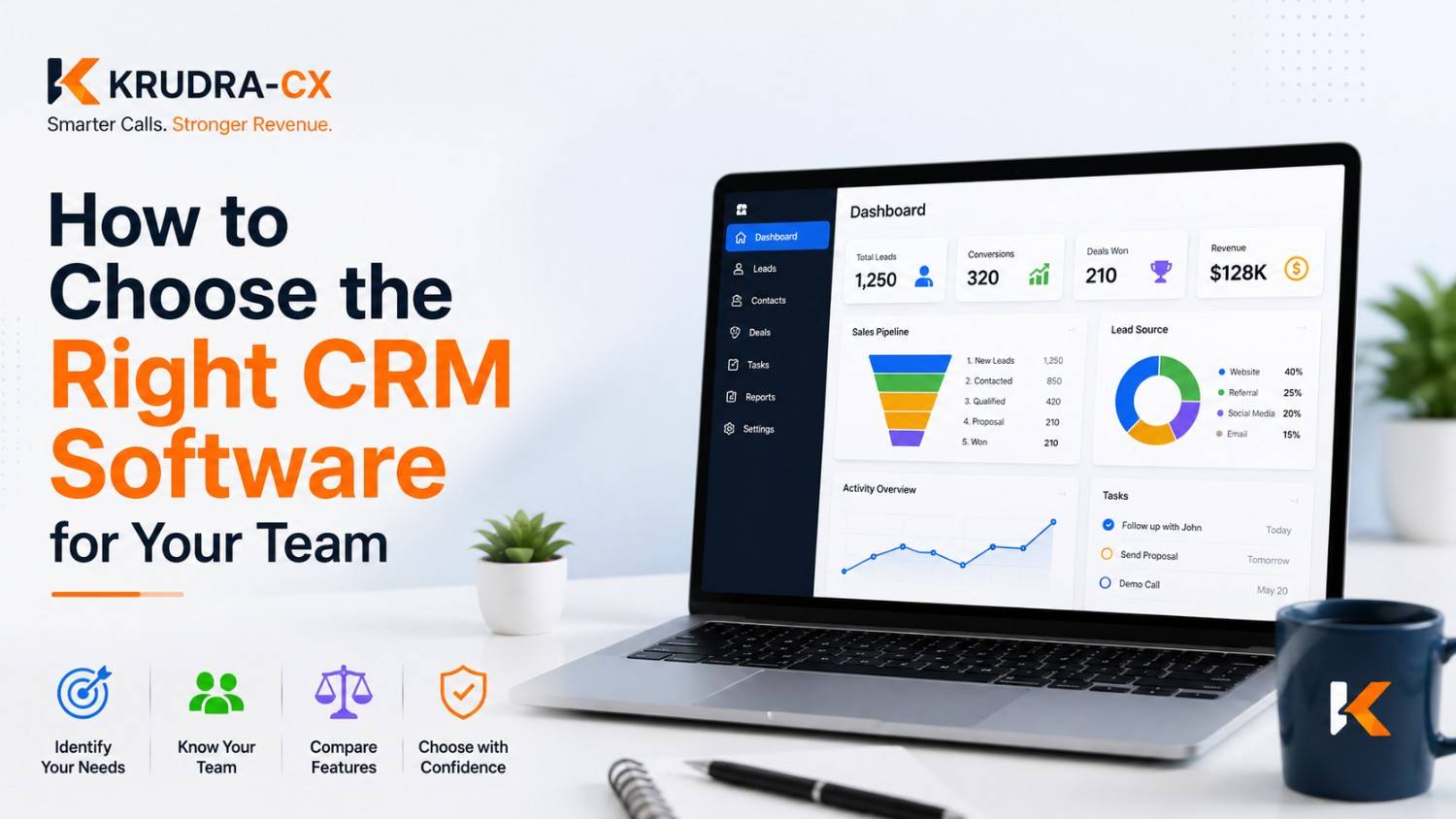
How to Choose the Right CRM Software for Your Team:-
Most CRM purchases fail quietly. Nobody cancels the subscription in a dramatic meeting. It just... stops getting used. Deals get tracked in spreadsheets again. Sales reps go back to their inboxes. Six months later someone asks "wait, are we even paying for that CRM anymore?"
I've watched this happen at more companies than I can count, and it's almost never because the CRM was bad software. It's because the wrong CRM got chosen for the wrong team, for the wrong reasons, usually because a founder saw a demo that looked impressive and signed the contract before anyone who'd actually use the tool got a say.
So this isn't a list of "top 10 CRMs." You can find twenty of those with a search. This is about how to actually make the decision so you don't end up as another abandoned subscription.
Start With the Problem, Not the Software
Before you look at a single product, write down what's actually broken right now. Not what a CRM is "supposed to do" in general, but what's specifically painful for your team this month.
Is it that leads fall through the cracks between marketing and sales? Is it that nobody knows what stage a deal is in until the rep who owns it happens to be in the room? Is it that customer history lives in someone's head and leaves the company when they do?
These are different problems, and they point to different tools. A CRM built for pipeline visibility (think Pipedrive) solves a different problem than one built for marketing-to-sales handoff (think HubSpot) or one built for deep customization at enterprise scale (think Salesforce). If you skip this step and just go shopping for "a CRM," you'll end up comparing feature lists instead of comparing solutions to your actual problem, and feature lists are basically useless for decision-making. Everyone claims to have contact management, pipeline views, and email integration. That tells you nothing.
Grab five minutes with your sales or support team and ask them directly: what's the most annoying part of your day that a better system could fix? Their answer is worth more than any product comparison chart.
Figure Out Who's Actually Going to Use It
This sounds obvious, but it's the step people skip most. The person choosing the CRM is often not the person living inside it every day.
If you're picking software for a sales team, the reps need to be part of the decision. Not just consulted after the fact, actually in the room during trials. I've seen leadership pick a CRM based on the reporting dashboard looking great in a demo, while the reps who'd be doing manual data entry every single day had zero input. Guess what happened to adoption.
Ask the people who'll use it daily:
- How much manual data entry are they willing to tolerate?
- Do they need it on mobile, or is desktop-only fine?
- What tools do they already live in? Email, Slack, calendar, whatever it is, the CRM needs to fit around that, not force them into a new workflow from scratch.
A CRM that the team resents is worse than no CRM. At least a spreadsheet doesn't cost you a monthly subscription while also being ignored.
The Core Things That Actually Matter
Once you know your problem and your users, here's what's worth evaluating. I'm deliberately leaving out generic feature checklists because most of them don't differentiate anything.
Ease of use, tested honestly
Don't take the sales rep's word for it. Get a trial account and have an actual team member, ideally someone who's not particularly tech-savvy, try to log a call and move a deal forward without a tutorial. If they're stuck after five minutes, your least enthusiastic employee will hate this tool by week two.
Integration with what you already use
A CRM that doesn't talk to your email, calendar, or whatever tool runs your invoicing is going to create double work. Double work is where adoption goes to die. Check specifically for the integrations you need, not just "does it have an integration marketplace." A marketplace with 500 integrations doesn't help if the one you need, your specific accounting software or your specific email provider, isn't in there or works badly.
Customization without complexity
You want to be able to adjust fields, pipeline stages, and workflows to match how your business actually operates. But there's a tipping point where customization becomes complexity, and complexity becomes a full-time job for whoever administers the system. Salesforce is famous for this. It can do almost anything, but a lot of companies end up hiring a Salesforce admin just to keep it running. That might be worth it for a 200-person sales org. It's probably overkill for a 12-person team.
Reporting that answers real questions
Not vanity dashboards. Ask yourself what decisions you actually need to make with this data. Which reps are hitting quota? Where are deals stalling? What's the average time from first contact to close? If the reporting tool can't answer the three or four questions that matter to your business, the fancy charts are decoration.
Pricing that scales the way your team will
CRM pricing usually charges per user per month, and it climbs fast. A tool that looks cheap at 5 users can get expensive at 25. Ask specifically about what happens as you grow: do premium features get locked behind higher tiers you'll eventually need? Are there hidden costs for things like automation, API access, or storage limits? Get the actual number for your team size in twelve months, not just today's price.
Support quality
This one gets ignored until something breaks. Try reaching support during your trial period with a real question and see how long it takes and how useful the answer is. A CRM vendor that ghosts you during the sales process, when they're supposedly trying to win your business, is not going to suddenly become responsive after you've signed a contract.
The CRM Types, Briefly
There's no single "best" CRM because different companies need genuinely different things.
Simple pipeline tools like Pipedrive are built for sales teams that mainly need to track deals moving through stages. Lightweight, fast to set up, not much of a learning curve.
All-in-one platforms like HubSpot bundle marketing, sales, and service tools together. Good if you want everything under one roof and your team is willing to adopt a broader ecosystem, not just a CRM.
Enterprise-grade systems like Salesforce or Microsoft Dynamics offer deep customization and can handle complex, multi-department workflows. They also come with real implementation cost, both in money and in the time it takes to configure them properly.
Industry-specific CRMs exist for real estate, healthcare, legal, and other fields with specific compliance or workflow needs. If your industry has particular requirements, a specialized tool can save you from bending a generic CRM into something it wasn't built for.
None of these is objectively better. They're built for different shaped problems.
Run an Actual Trial, Not a Demo
A sales demo shows you the best-case, cleanest version of the product, walked through by someone whose job is to make it look good. That's not the same as using it.
Get a free trial and put real (or realistic test) data into it. Have your team try to complete their actual daily tasks: log a call, move a deal, pull a report they'd normally need. See where they get frustrated. Fifteen minutes of hands-on frustration during a trial tells you more than an hour of polished demo.
If a vendor won't give you a real trial, or gates every useful feature behind "book a call with sales," that's worth noting too.
Mistakes That Quietly Kill CRM Projects
I've seen the same handful of mistakes repeat across companies of very different sizes.
Choosing based on the biggest name. Salesforce is a great product for a lot of companies, and completely wrong for others. Buying it because it's what everyone's heard of, without checking if it fits your actual size and workflow, is how you end up paying for complexity you don't need.
Skipping the people who'll use it daily. Covered above, but it's worth repeating because it's the single biggest predictor of failed adoption I've seen.
Underestimating migration effort. Moving years of contact data, deal history, and notes out of spreadsheets or an old system takes real time. Plan for it. Don't assume it'll happen automatically or over a weekend.
No real onboarding plan. Buying the software is the easy part. Getting a team to change their daily habits is the hard part, and it takes deliberate training, not just a "here's your login" email.
Ignoring the total cost. The sticker price rarely includes add-ons, integrations, or the admin time required to keep things running. Get the real number before you commit.
A Simple Way to Decide
If you want a straightforward process instead of an open-ended search, here's one that works:
- Write down your top three problems, in plain language, not feature-speak.
- Get input from the actual users on what they need and what they can't tolerate.
- Shortlist three CRMs that fit your team size and industry.
- Run real trials with real data, not sales demos.
- Compare total cost at your projected size twelve months out, not just today.
- Check integrations against your actual current tools.
- Decide, and plan onboarding before day one, not after.
That's it. It's not glamorous, but it's the difference between a tool your team actually uses and one that quietly gets abandoned.
The Honest Truth
There's no universal "best" CRM. Anyone telling you otherwise is probably trying to sell you something. The right choice depends entirely on your team's size, workflow, budget, and what specific problem you're trying to solve. A CRM that's perfect for a 5-person startup could be a straightjacket for a 50-person sales org, and vice versa.
Take the time upfront to actually understand your problem and involve your team in the decision. It's slower than picking whatever your competitor uses or whatever had the flashiest demo. But it's the difference between software that becomes part of how your team works, and software that becomes another line item nobody remembers signing up for.
Ready to Get Your CRM Decision Right the First Time ?
Don't let another quarter slip by with deals falling through the cracks or your team drowning in spreadsheets. Take the framework above, get your team in the room, and start trialing the tools that actually fit your workflow, not just the one with the flashiest demo.
👉 Visit www.krudracx.com to explore CRM solutions built around how your team actually works.